Docs menu
The Email section is the shared mailbox for your workspace's domain. Everyone on the team reads and replies to the same threads, and everything sent through the API or the app lands here.
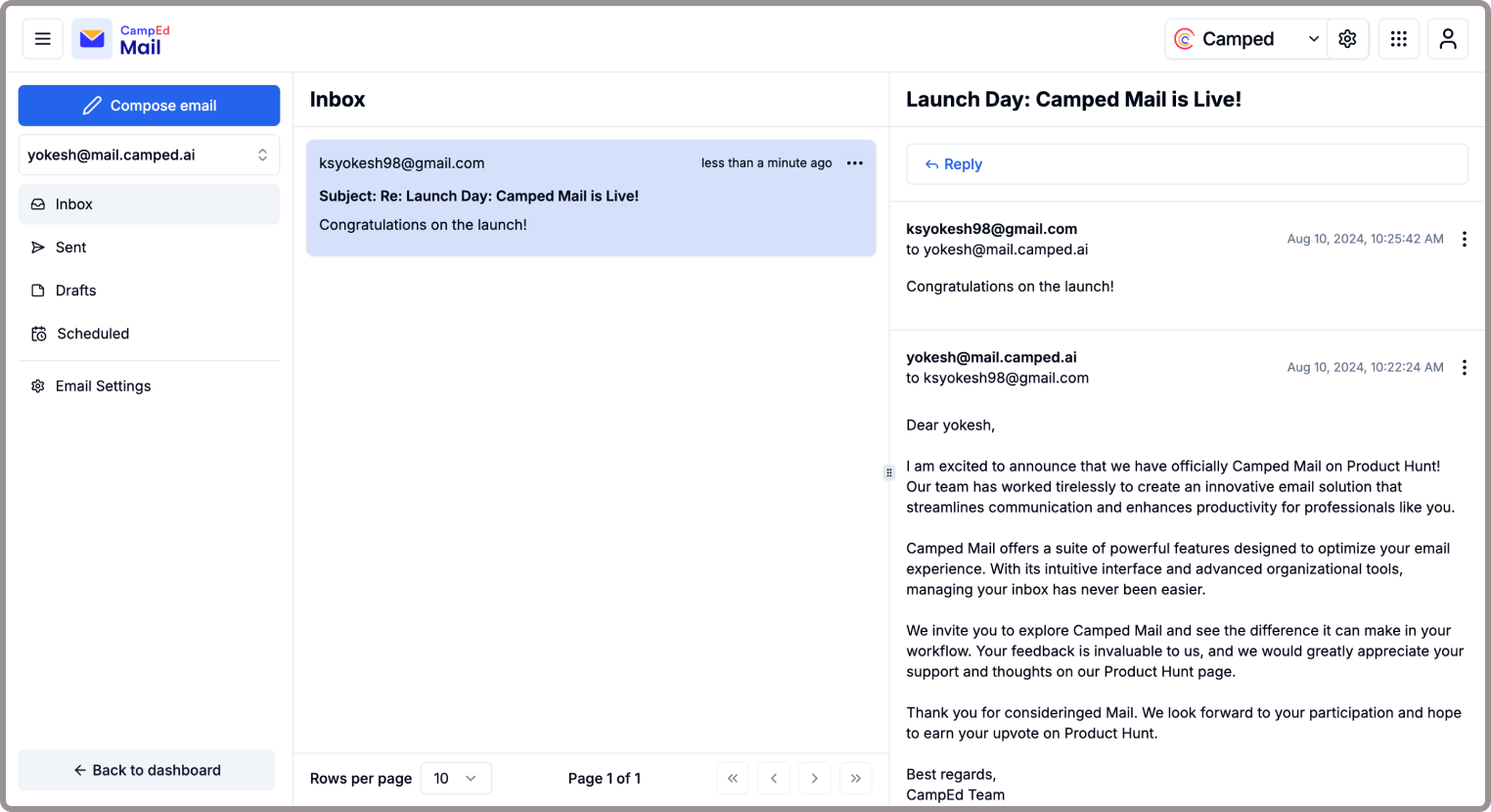
- Inbox: incoming mail to your verified domain, grouped into threads. Reply in place; replies go out through the same domain, signed with your DKIM keys.
- Send: compose a new email. Pick the from address, write the body, add attachments, and send immediately or schedule it.
- Drafts: unfinished emails. Drafts are shared with the workspace, so a teammate can pick one up.
- Scheduled: emails with a future send time. Edit or cancel them any time before they go out.
- Sent: everything delivered or on its way, with per-recipient status. The same events appear in Logs, which is the place to debug a delivery.
To receive mail here, your domain needs its MX record pointed at Flinkk Mail; see Receiving email.